Hi,
I have a bug when I rolled back to a previous snapshot of libre workspace and the oidc no longer communicates with nextcloud. Does anyone know how to fix it?
I tried rebuilding the RSA key but no luck.
Hi,
I have a bug when I rolled back to a previous snapshot of libre workspace and the oidc no longer communicates with nextcloud. Does anyone know how to fix it?
I tried rebuilding the RSA key but no luck.
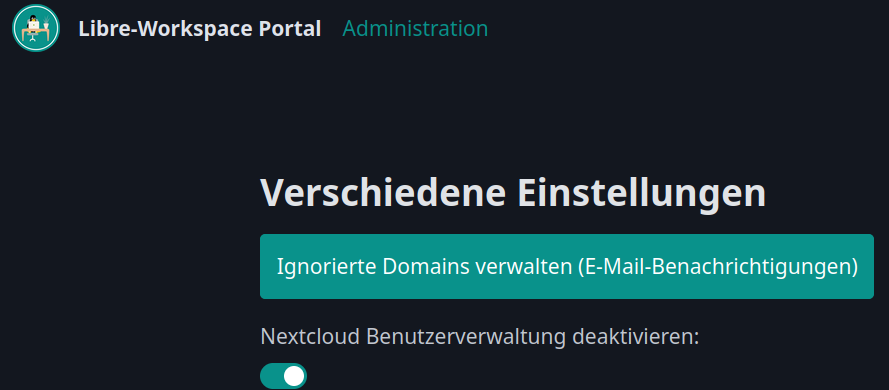
you can try to disable oidc for nextcloud, than update the recovered version and switch back to oidc. sounds a bit dirty but perhaps helps.
It worked! omg i was pulling my hair out yesterday trying to fix it. is this a quirk of this OIDC module or nextcloud being nextcloud?
i feel like this needs to be documented if it isn’t as a workaround.
nice to hear 
the problem seems to be, recovered nextcloud meets a further developed oidc. so that does not match. but who knows, just a guess.
Ok so i was trying to reproduce the bug and this is what i understood.
Libre Workspace sets up Nextcloud SSO during installation, it generates a client_id and client_secret and saves them in two places: the LW portal’s SQLite database and Nextcloud’s MariaDB. At this point, both databases are in sync, and everything works.
problem comes when you roll back a snapshot. The portal’s database goes back to the snapshot version, but Nextcloud’s database doesn’t. So, the two databases have different credentials, and that’s when the SSO breaks
after some digging arround i found that toggle you mentioned only does is add or remove a redirect block in the Caddyfile and restart Caddy to clear the old session state.
im wondering if creating a env. file to store your keys for all services to reference off from is a better way of doing it instead of allow each service to have its own keys stored which can desync due to the snapshot.
anyways thanks for the help Juri